
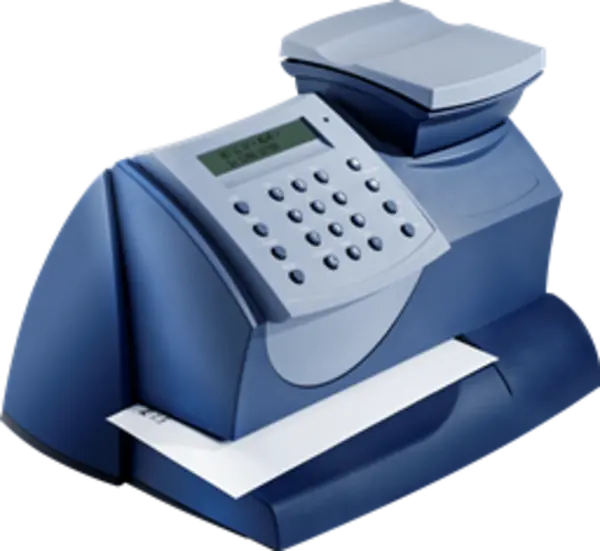
mailstation2 Meter Support
Find solutions

Top Articles
Restart the SmartLink device and meter, check the connections, and change your connection option to resolve SmartLink wired connections.
When you see a battery warning message, it means your meter must be replaced. Request your no charge replacement meter as soon as any battery warning message displays.
The meter deducts the amount of your postage from the available funds on your meter. When your meter funds are low, you must add or refill more postage from your Pitneyworks or PB Postage account.
Learn how to resolve PC Meter Connect connection issues.
Poor print quality or no printing issues can occur due to several factors, including lack of use, overuse, or ink issues on a mailstation or mailstation2.
Network & Connectivity
Use a SmartLink device to connect your meter to the Pitney Bowes Data Center. These instructions are for first-time users who have never installed a SmartLink device on the mailstation2, DM125, DM300C, DM400C, or DM475.
Network & Connectivity
Use a SmartLink device to connect your meter to the Pitney Bowes Data Center. These instructions are for first-time users who have never installed a SmartLink device on the mailstation2, DM125, DM300C, DM400C, or DM475.
Documents and Software
For information on service offerings and level of support, download the Pitney Bowes Technical Support Overview